Connect to MetaMask using JavaScript + ConnectKit
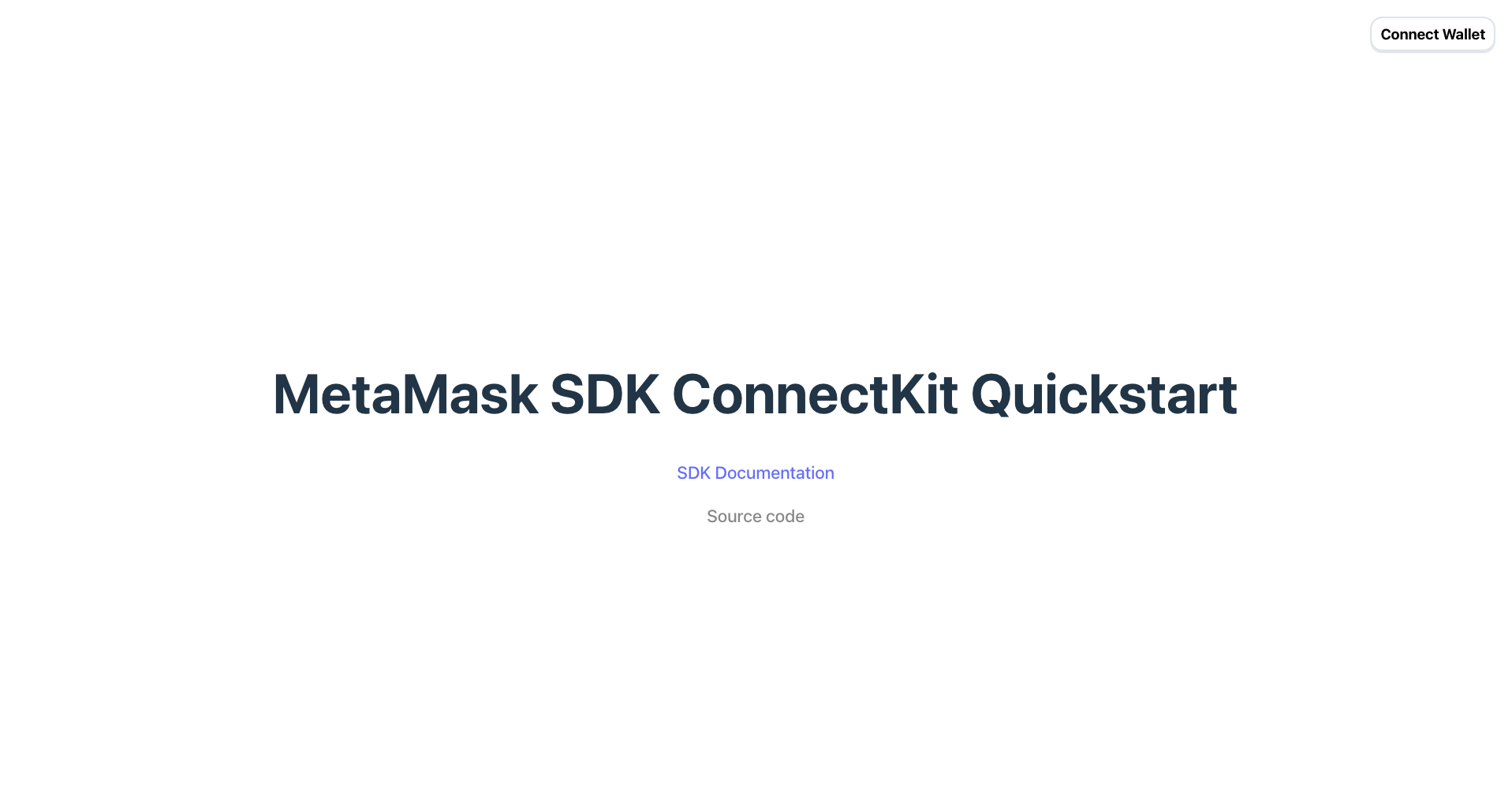
Get started with MetaMask Connect in a JavaScript and ConnectKit dapp. Download the quickstart template or manually set up MetaMask Connect in an existing dapp.
Prerequisites
- Node.js version 19 or later installed.
- A package manager installed, such as npm, Yarn, pnpm, or bun.
- MetaMask installed in your browser or on mobile.
- A WalletConnect project ID from the Reown dashboard.
Set up using a template
-
Download the MetaMask Connect ConnectKit template:
npx degit MetaMask/metamask-sdk-examples/quickstarts/connectkit metamask-connectkit -
Navigate into the repository:
cd metamask-connectkitDegit vs. Git clone
degitis a tool that enables cloning only the directory structure from a GitHub repository, without retrieving the entire repository.Alternatively, use
git cloneto download the entire repository. Clone the MetaMask SDK examples repository and navigate into thequickstarts/connectkitdirectory:git clone https://github.com/MetaMask/metamask-sdk-examples
cd metamask-sdk-examples/quickstarts/connectkit -
Install dependencies:
pnpm install -
Create a
.env.localfile:touch .env.local -
In
.env.local, add aVITE_WALLETCONNECT_PROJECT_IDenvironment variable, replacing<YOUR-PROJECT-ID>with your WalletConnect project ID:.env.localVITE_WALLETCONNECT_PROJECT_ID=<YOUR-PROJECT-ID> -
Run the project:
pnpm dev
Set up manually
1. Install MetaMask Connect
Install MetaMask Connect along with its peer dependencies to an existing React project:
- npm
- Yarn
- pnpm
- Bun
npm install connectkit wagmi viem@2.x @tanstack/react-query
yarn add connectkit wagmi viem@2.x @tanstack/react-query
pnpm add connectkit wagmi viem@2.x @tanstack/react-query
bun add connectkit wagmi viem@2.x @tanstack/react-query
2. Import required dependencies
In the root of your project, import the required ConnectKit, Wagmi, and TanStack Query dependencies:
import { ConnectKitProvider, getDefaultConfig } from 'connectkit'
import { createConfig, http, WagmiProvider } from 'wagmi'
import { mainnet, linea, sepolia, lineaSepolia } from 'wagmi/chains'
import { QueryClientProvider, QueryClient } from '@tanstack/react-query'
3. Configure your project
Set up your configuration with the desired chains and wallets. In the following example, add your WalletConnect project ID:
const config = createConfig(
  getDefaultConfig({
    // Your dApps chains
    chains: [mainnet, linea, sepolia, lineaSepolia],
    transports: {
      // RPC URL for each chain
      [mainnet.id]: http(),
    },

    // Required API Keys
    walletConnectProjectId: import.meta.env.VITE_WALLETCONNECT_PROJECT_ID,

    // Required App Info
    appName: 'MetaMask SDK ConnectKit Quickstart',
  })
)
4. Set up providers
Wrap your application with the WagmiProvider, QueryClientProvider, and ConnectKitProvider providers:
const queryClient = new QueryClient()

createRoot(document.getElementById("root")!).render(
  <StrictMode>
    <WagmiProvider config={config}>
      <QueryClientProvider client={queryClient}>
        <ConnectKitProvider theme="rounded">
          <App />
        </ConnectKitProvider>
      </QueryClientProvider>
    </WagmiProvider>
  </StrictMode>
);
5. Add the connect button
Import and render the ConnectKitButton component:
import { ConnectKitButton } from 'connectkit'

function App() {
  return <ConnectKitButton />
}

export default App
Test your dapp by running pnpm run dev.